Digital attendance register: a practical plan to move off the paper register in one week
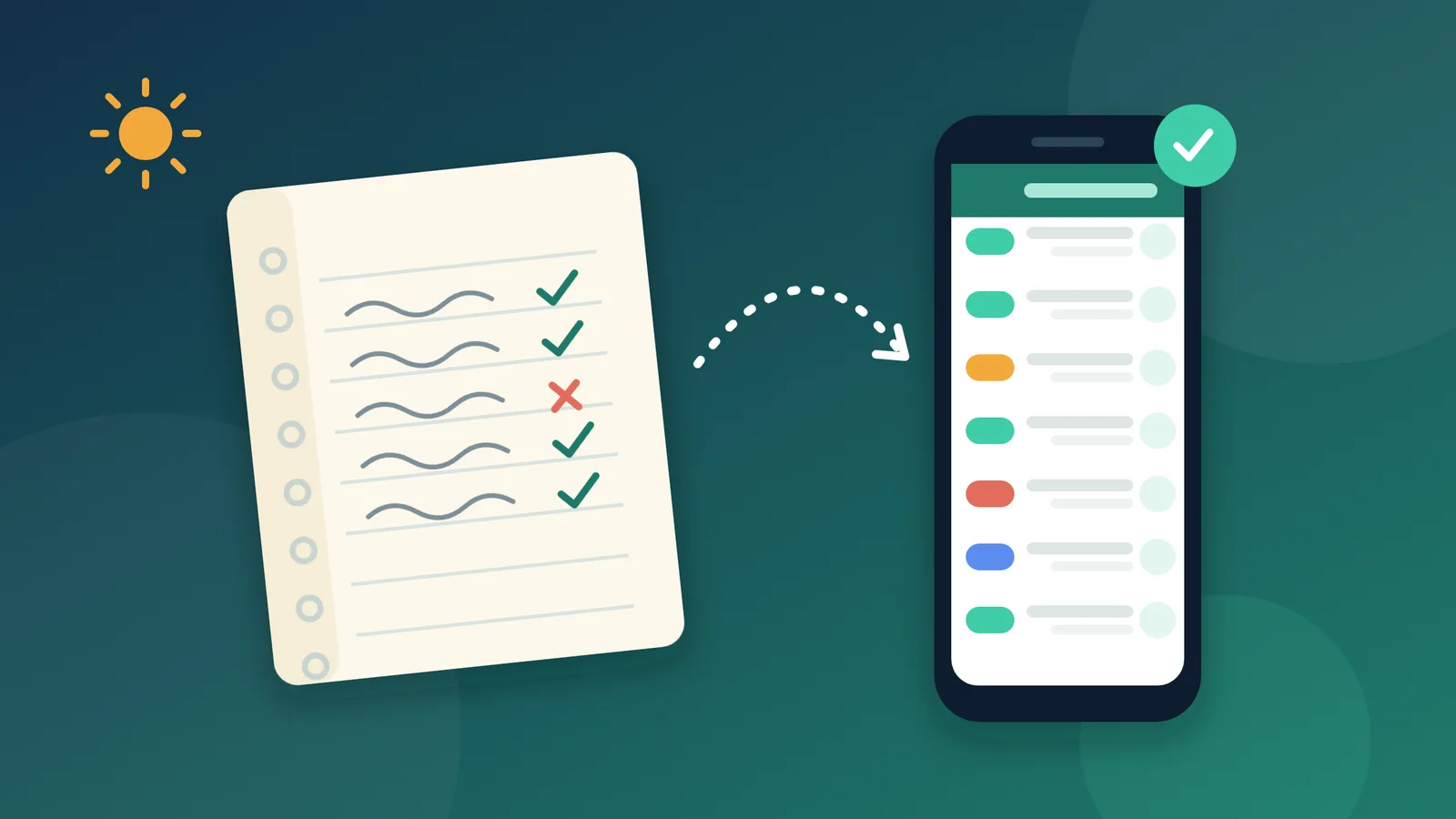
Attendance is usually the first routine a school moves when it adopts a school management system, because it happens every day and touches every student. Yet the paper register is often the last piece of paper the attendance supervisor is willing to give up. They have kept it for years, and they worry that one technical hiccup could cost them a whole day's records. The safest way to switch is to run the paper register alongside the digital attendance register for one school week, until everyone trusts the system enough to put the book away.
How does a school move to a digital attendance register without losing a day?
The short answer: run the paper register and the digital attendance register in parallel for one school week. Take attendance on paper first on the first two days, then in the system first on the next two. On the fifth day, check the monthly report against the register. If the two match, retire the paper register the following week and start sending absence messages to parents.
What should the school prepare before the switchover week?
Most first-week mistakes come from details left unsettled before the week begins, so it pays for the leadership team to sort out three things in advance:
- Every student in the right section: most early mistakes happen when a student is enrolled in the wrong section. Head them off by printing each section's student list from the system and handing it to the homeroom teacher to mark corrections in pen.
- One person responsible for each section: assign daily attendance for each section either to the supervisor or to the homeroom teacher, never to both.
- Hold back absence messages: wait until the second week before texting parents about absences. One mistaken message reaching a father whose son was sitting in class can undermine parents' trust in every message that follows.
How does the switchover week run, day by day?
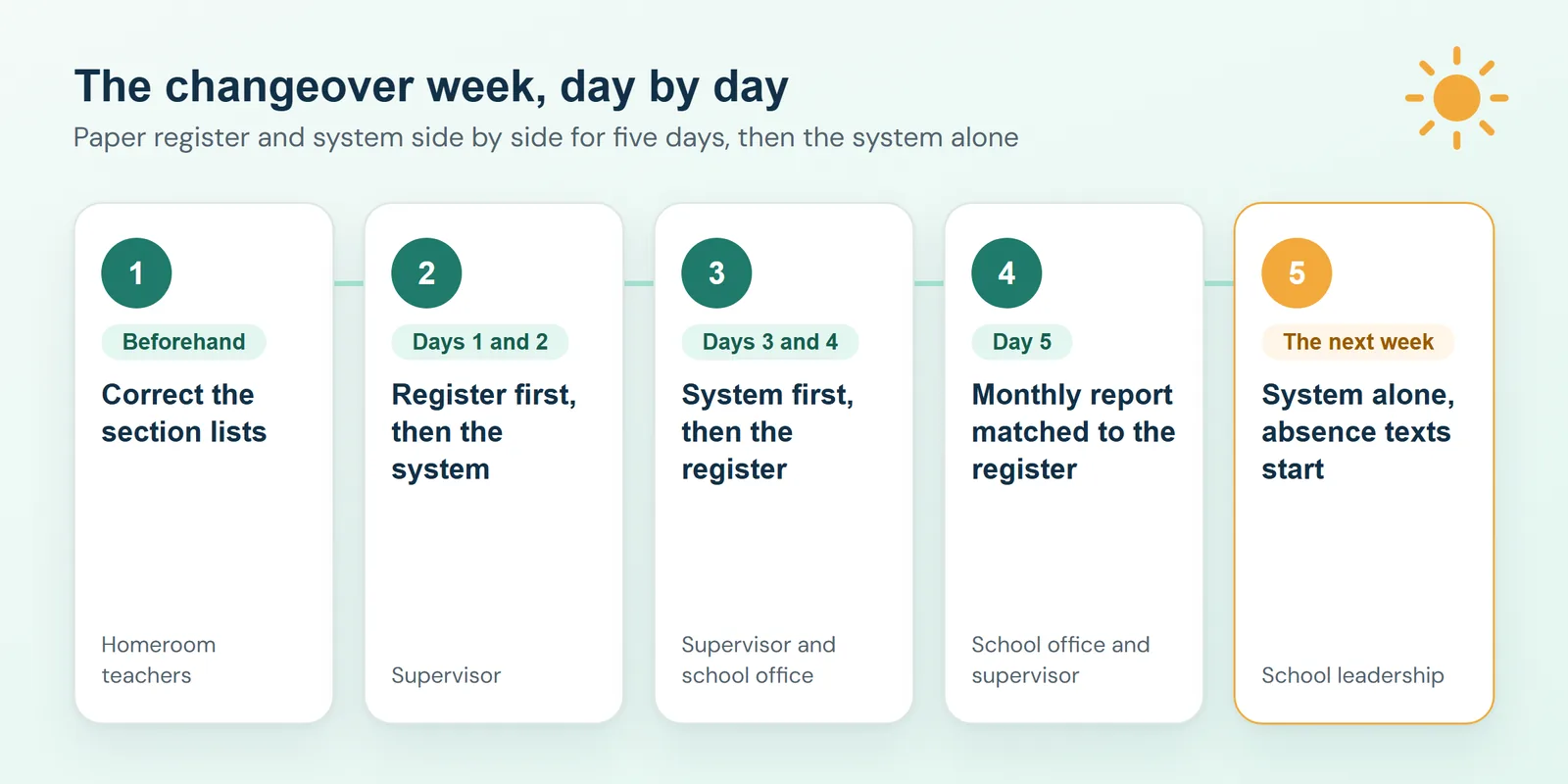
The plan below counts school days rather than weekday names, so it fits whatever days your school week runs on.
Days 1 and 2: the paper register first
The supervisor takes attendance in the paper register as usual, then enters it into the system before the third period. These two days give the supervisor time to get comfortable with the attendance screen without any pressure: learning the four statuses ("Present", "Late", "Absent" and "Excused") and getting used to saving a whole section's attendance in one go.
Days 3 and 4: the system first
Now the order is reversed. The supervisor takes attendance in the system, on a phone or a computer, at the start of the first period, and then copies it into the paper register. At the end of the school day, someone in the school office prints the absence report and checks it against the register. Any discrepancy is far easier to resolve on the day it happens than at the end of the month.
Day 5: checking the digital attendance register against the paper one
The school office prints each section's monthly report from the system, and the supervisor checks it against what they recorded in the register over the previous four days. If the two match, the paper register has done its job. If they do not, the cause is usually one of three things:
- A student in the wrong section: move the student to the right section, then re-enter their attendance for those days.
- A section recorded by two people: assign that section to one person only.
- A day that was never entered: copy that day's attendance from the register, and ask a member of the office staff to check every day that all sections have been recorded.
The following week: the system on its own
Retire the paper register, though you can keep it in a drawer for one more week if that reassures the team. This is when the school starts sending absence messages, scheduled to go out well after every section's attendance is in. Each message should include the student's name and the date, worded calmly with no blame and no threats, because the parent reading it will already be worried. For example:
Please note that your son Omar was absent from school today, 15/11/2026. The school office.
For more templates, and advice on timing and message length, read our article on absence messages to parents.
A checklist for the switchover week
| When | Who | Task |
|---|---|---|
| Before the week | Homeroom teachers | Correct the printed section lists |
| Days 1 and 2 | Supervisor | Paper register first, then the system before the third period |
| Days 3 and 4 | Supervisor and school office | System first, then the paper register; check the absence report at the end of the day |
| Day 5 | School office and supervisor | Check the monthly report against the paper register |
| The following week | Leadership | Put the register away and start sending absence messages |

What does a school gain from a digital attendance register?
- A monthly report ready whenever you need it: no more copying the register into a spreadsheet at the end of every month.
- A clear morning overview for the principal: see how many students are absent and which classes have the highest absence rates, without chasing anyone for updates.
- Same-day notice for parents: families learn of their child's absence on the day it happens, rather than waiting for a call from the school.
- No duplicate data entry: if your school uses a fingerprint or card reader that exports Excel or CSV files, you can import attendance instead of typing it in by hand.
How does Shams make taking attendance easier?
In Shams, the supervisor or the homeroom teacher records a section's attendance on a phone or a computer using the four statuses, adds a note where needed, and saves the whole section at once. The school office can print the daily or monthly attendance report for any section whenever it is needed, and the "Today at school" dashboard shows the principal the absence rate in every class. Absence text messages go out to parents automatically on the same day, and parents can also see their child's attendance in their own account, in a browser or in the Android app.
See it with your own school in mind
If you would like a switchover plan that fits your school's week and sections, book a session with our team. We will walk you through taking attendance in Shams and show you exactly what reaches parents.