Cloud school management system: why the work goes on when the school building loses power or internet
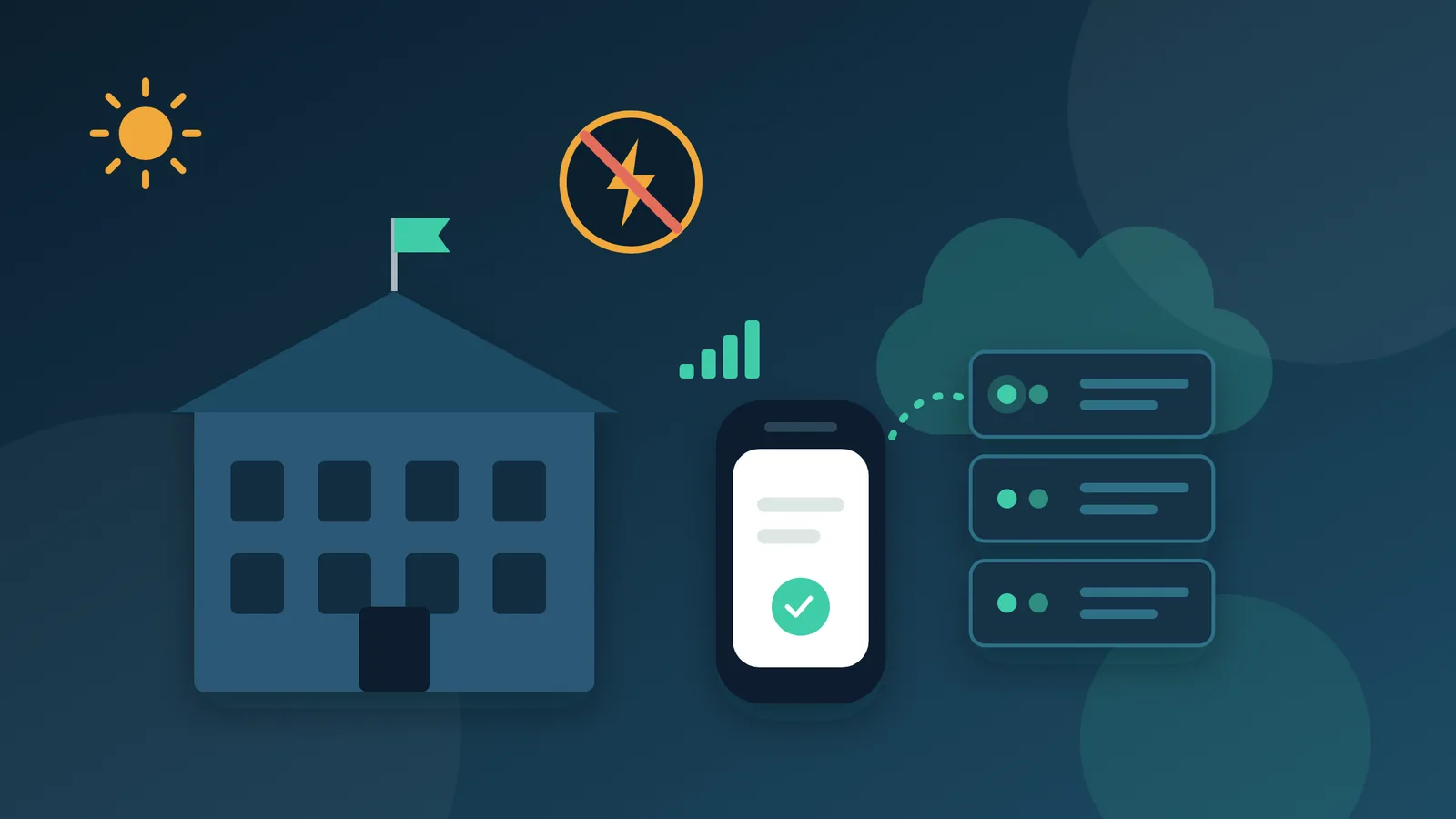
Every school has days when the building lets it down: a power cut in the middle of the morning, a storm that takes the internet line with it, or maintenance work that leaves the office dark until lunchtime. When the day's records live on a computer in that office, work stops with it: attendance goes unrecorded, fee payments wait, and parents hear nothing about their children's absences. That is why Shams runs for every school on our own servers, outside the school building, so the work carries on whatever happens on site.
Does a cloud school management system keep working when the building loses power or internet?
The short answer: yes. A cloud school management system, also called an online school management system, runs around the clock on the provider's servers rather than inside the school. When the building loses power or its internet line, supervisors carry on taking attendance on their phones over the mobile network, the accountant keeps recording payments, parents follow their children's absences from home, and absence messages go out on time.
What actually happens when the school building goes offline?
A problem in the building does not interrupt the system, so the day's work carries on like this:
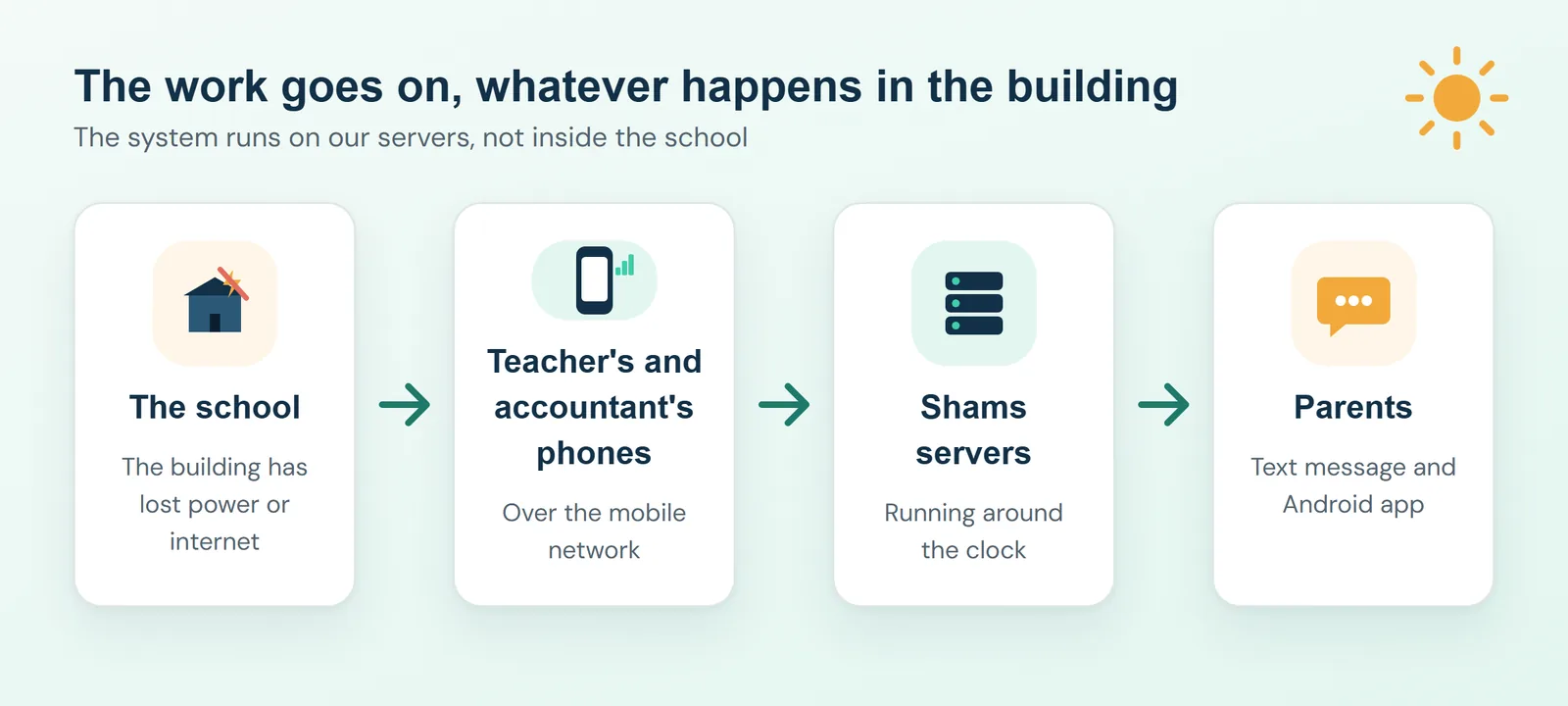
- Attendance: the supervisor or the teacher takes attendance on a phone, exactly as they would on a computer.
- Fee payments: the accountant takes the payment, records it on a phone, and prints the receipt once the office is back up and running.
- Parents: families check their child's absences and fee balances from home, and the absence message arrives at its usual time.
Does a cloud school management system need a fast connection?
No. Shams opens in an ordinary browser, so the school needs neither new computers nor a fast line. A phone on the mobile network is enough for the daily work, from taking attendance and recording payments to setting homework and posting announcements. Text messages reach parents on any phone, even one with no internet connection at all.
Who looks after the system?
We do. Running a school management system well means constant updates, regular backups and quick attention when something needs fixing, and few schools have staff with time set aside for all of that. With Shams, we run the system, keep it up to date and take care of its backups. Your school receives its own web address and login accounts, and starts work straight away.
Where is the school's data kept, and who can see it?
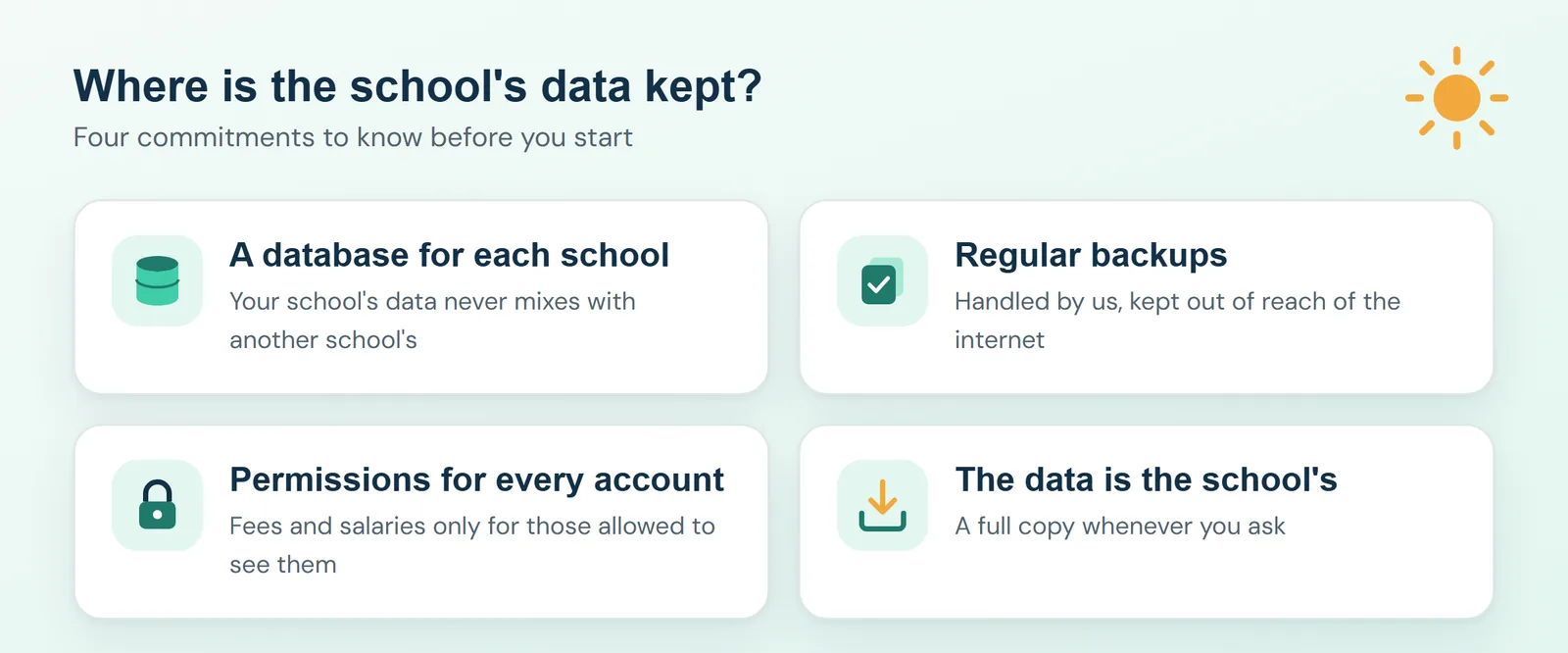
- A separate database for each school: your school's records are kept on their own and never mixed with any other school's.
- Regular backups, handled by us: we keep the backups where they cannot be reached from the web, and the system takes a fresh backup before any restore, so a restore can always be undone.
- Permissions that decide what each account sees: only staff authorized to view fees can see them, and the same applies to salaries. Parents see information about their own children and no one else's.
- The data belongs to the school: we hand the school a full copy of its data whenever it asks.
Questions to ask about any school system before you choose
- If the building is without power for two hours, can the accountant still record a fee payment?
- If the only computer in the office breaks down, is any record lost?
- Who manages the backups, where are they kept, and when was a restore last tested?
- Can parents check their children's absences and fee balances from home?
How does Shams keep the work going when the building is offline?
Because Shams runs on our servers, your school only needs an internet connection and a browser on a computer, tablet or phone. Parents and staff can also use the Android app, which works for every school on Shams: they enter the school's address, sign in, and see only what their role allows. We handle hosting, updates and backups, and text messages reach parents on any phone. Our data and security page sets out the details.
See it with your own school in mind
If you would like to see how Shams would run through a difficult day at your school, book a session with our team. We will show you the system on a phone as well as on a computer, and answer your questions about data and backups.